Corona Render

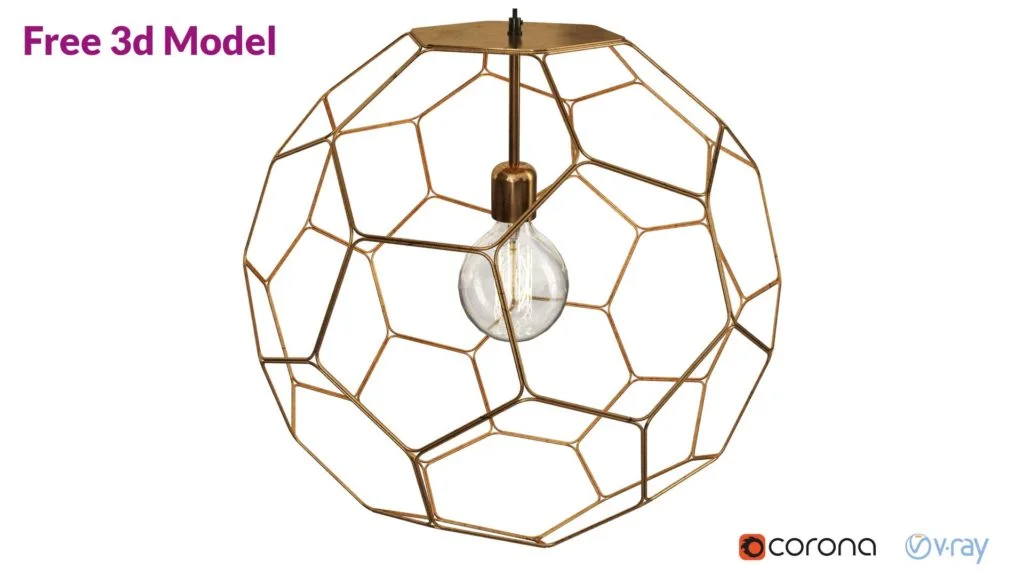
pendant light free 3d model

Pendant Light Free 3D Model

Pendant light free 3d model is a high detailed 3D model from my library. Available with textures. Hope it will be useful for someone . Pendant Light 3d model Description: High-quality 3d Model, Real-world scaled for an accurate representation of the original object. The model is fully textured with all materials applied File Formats: 3ds […]

Pendant Light Free 3D Model Read More »

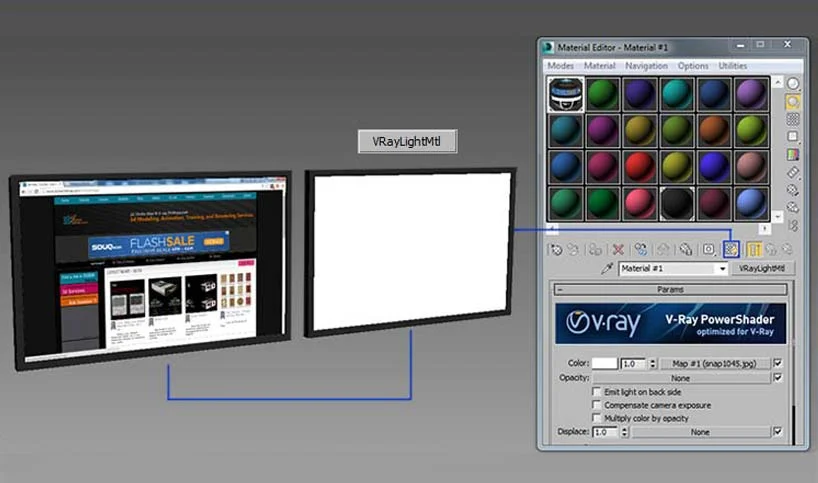
Vraylightmtl in viewport

Show Vraylightmtl Material in Viewport

How to show Vraylightmtl Material in Viewport ? Watch Video: https://www.youtube.com/watch?v=sZRGC4UPacA To be able to see the texture inside Viewport when we use it with Vraylightmtl Material in 3ds Max, we do the following:– Viewport label> shaded > Materials> Realistic Materials with maps– From Materials Editor> Show Realistic Materials in the Viewport Step 01 Step 02 © Ads

Show Vraylightmtl Material in Viewport Read More »

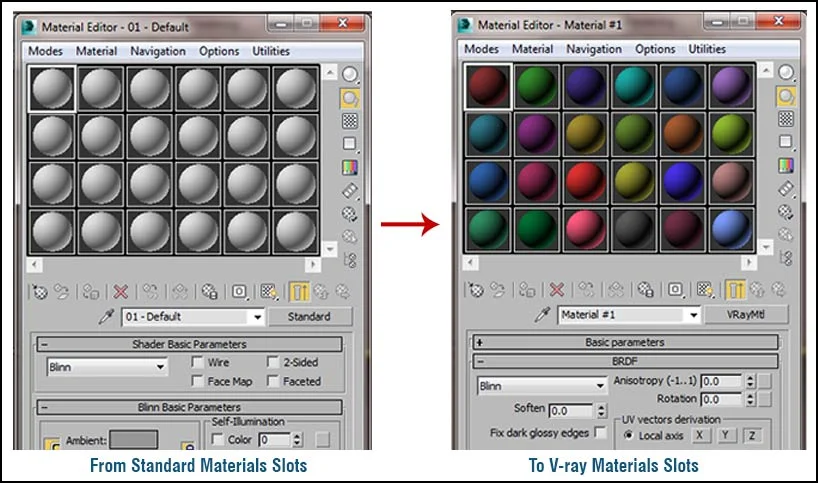
Make your default Materials Slots as Vray in 3ds Max

3ds Max Materials Editor slots is standard in default, but when we change Render engine to Vray, still we need every time to replace standard slot to Vray manually, so to save time we can make the default slots on Materials editor to be always as Vray. To activate  that just do the following :

Make your default Materials Slots as Vray in 3ds Max Read More »

Vray physical camera

Missing Vray Physical Camera in 3ds Max 2016

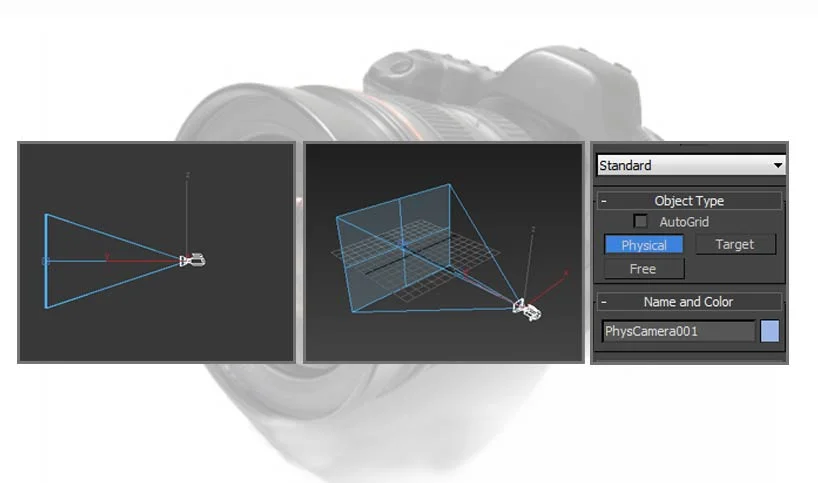
Why Vray Physical Camera is Missing in 3ds Max 2016?! Vray Physical camera is not exist as a separate camera in 3ds Max 2016 any more, it’s merged with the new physical camera in 3ds Max. The new Physical Camera offers users new Rendering options closer to real-life camera settings, but for some users who’re

Missing Vray Physical Camera in 3ds Max 2016 Read More »