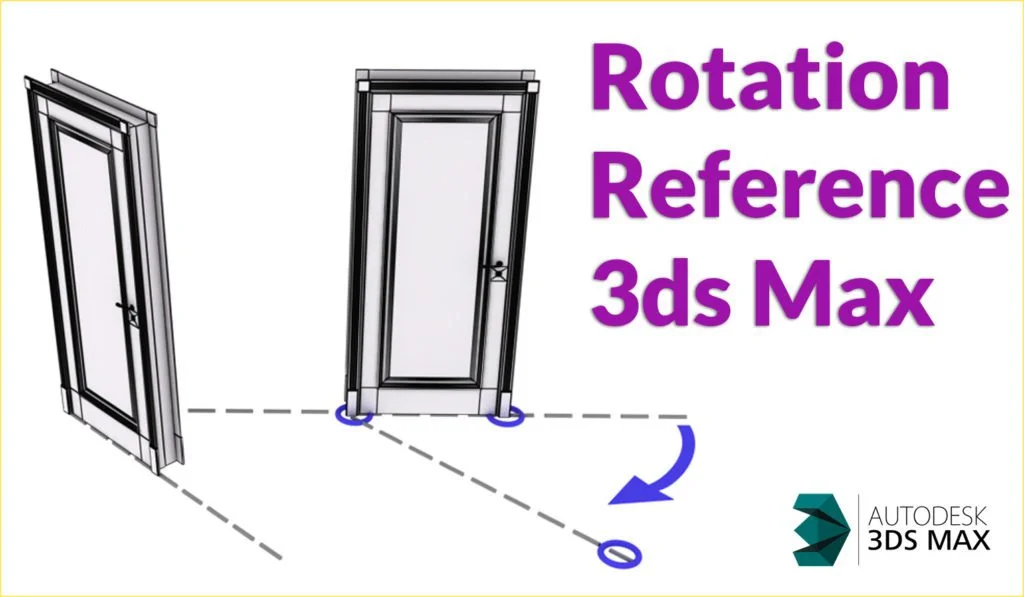
Rotate Reference 3ds Max

Rotate Reference Script 3ds Max

Rotate Reference Script for 3ds Max

Rotate Reference Script for 3ds Max is similar to AutoCAD Command “Rotate with Reference”. it really useful when you work on a scene and you have angled walls.

Rotate reference Autocad

How to install Rotate Reference Script for 3ds max?

–  Scripting > Run Script > Select Reference_Rotation-Script.ms
– Customize > Customize User Interface
– Toolbars > click to create a new bar
– Find the script (RotateRefZ), drag it into the new bar
   For 3ds Max 2024 and up, you will find it in Toolbars under the category ” Retouchaid”

Version compatibility:

3ds Max 2014. Tested on 3ds Max 2020, and it worked.
Tested on 2024, and it worked 

How To use? Watch Video

Download the Script

Scroll to Top